A CCTV system can look fine on the live screen and still fail when you need it: a hard disk that stopped recording last week, a camera whose night vision has faded, or a recorder whose clock is an hour out. Regular servicing catches these problems early. The right frequency depends on the type of property, how critical the footage is and the conditions the cameras face.
Recommended CCTV Service Frequency
| Property type | Professional service | Owner checks |
|---|---|---|
| Apartment flat (1 to 2 cameras) | Once a year | Monthly playback check |
| Independent house or villa | Once or twice a year, including before the monsoon | Weekly glance at all cameras, monthly playback |
| Shop or showroom | Every 6 months | Daily live view, weekly playback |
| Office | Every 3 to 6 months | Weekly check by admin or facility staff |
| Warehouse, factory or site with many outdoor cameras | Every 3 months | Daily check by security staff |
| Apartment complex common areas | Every 3 to 6 months | Daily check by security or association |
These are practical guidelines, not fixed rules. Systems in dusty, coastal or industrial environments, or with many outdoor cameras, need more frequent attention.
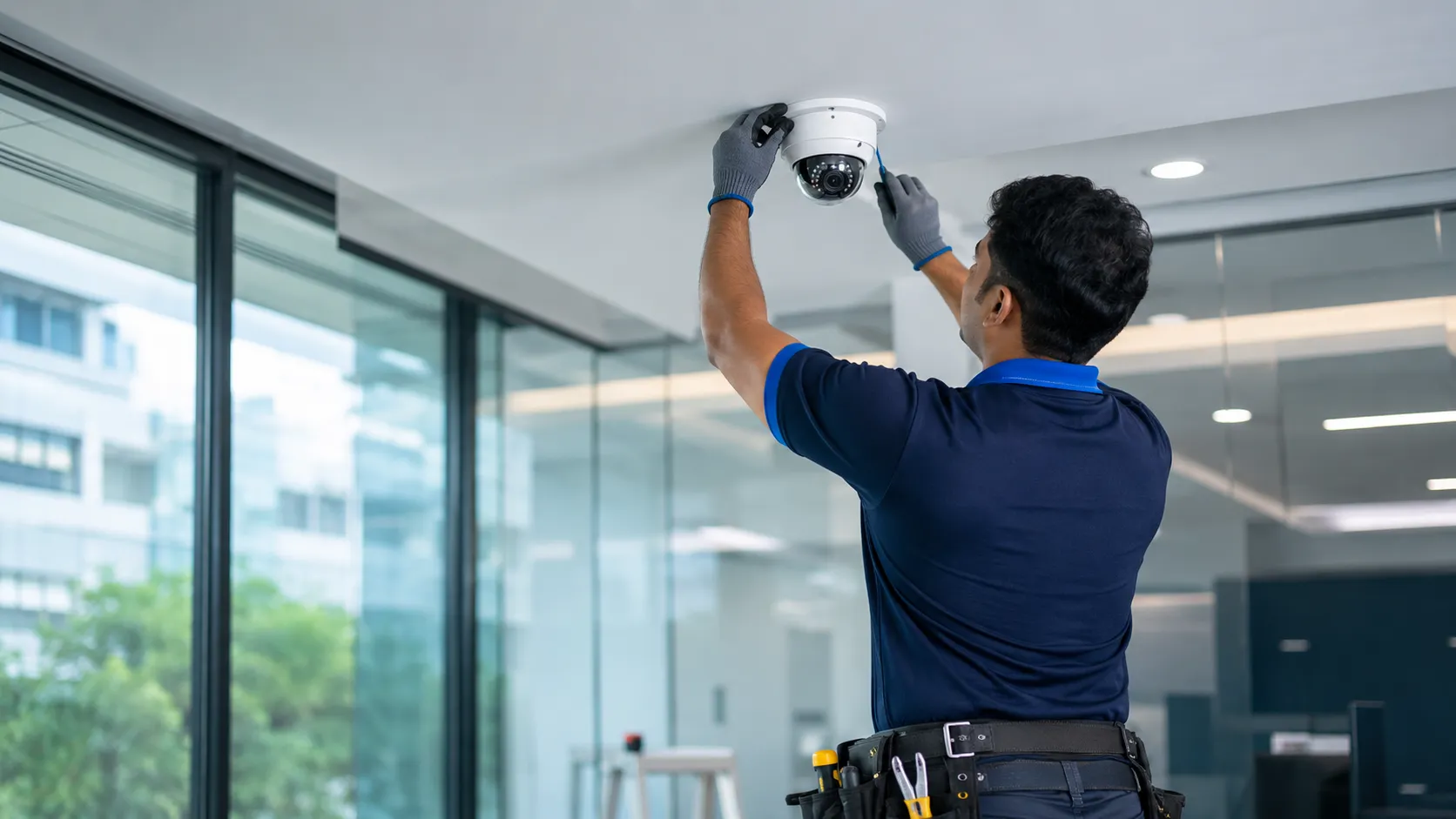
What a Professional CCTV Service Should Include
Cameras
- Clean lenses, domes and housings.
- Check focus, angle and field of view against the original setup.
- Test night vision and IR performance.
- Inspect brackets, seals and sunshades on outdoor cameras.
Cabling and power
- Inspect connectors and junction boxes for moisture and corrosion.
- Check power supplies, adapters and PoE switch ports.
- Check UPS or inverter backup for the recorder.
Recorder and storage
- Check hard disk health and remaining recording days.
- Confirm every channel is recording according to schedule.
- Correct date, time and time zone.
- Install firmware updates where appropriate.
- Review user accounts and passwords.
Remote access
- Test mobile viewing on all authorised phones.
- Check alert settings and detection zones.
Report
- A short list of what was checked, what was fixed and what may need replacing soon.
Simple Checks You Can Do Yourself
Weekly
- Open live view and confirm every camera shows a clear picture.
- Glance at night footage from one camera.
Monthly
- Play back a recording from a few days ago on each camera.
- Check the recorder’s hard disk status.
- Wipe reachable camera lenses with a dry microfibre cloth.
- Remove spider webs around outdoor cameras.
If something looks wrong, our guide to common CCTV camera problems and how to fix them explains the likely causes.
Signs Your CCTV System Needs Service Now
- A camera shows “video loss” or flickers.
- Night footage looks white, foggy or too dark.
- The recorder beeps or shows a hard disk error.
- Playback has gaps or recording stops early.
- The app frequently shows the device offline.
- Recordings have the wrong date or time.
Parts That Wear Out
- Hard disks: They write video continuously and eventually fail. Health checks during servicing help you replace them before they fail.
- Power adapters and supplies: A frequent cause of camera failures, especially where power fluctuates.
- Connectors and outdoor cable: Affected by sun, rain and salty coastal air.
- UPS batteries: Need periodic replacement to keep the recorder running during power cuts.
Seasonal Servicing in Chennai
Chennai’s heat and the northeast monsoon are both hard on outdoor equipment. A service visit before the rains, around September or October, catches failing seals and connectors before they let water in. Our rainy season CCTV maintenance guide covers monsoon-specific checks.
What Is a CCTV AMC?
An Annual Maintenance Contract (AMC) is an agreement with your installer for scheduled service visits over a year, usually with priority support for breakdowns. Contracts differ in what they cover, such as the number of visits, labour and whether replacement parts are included, so read the scope carefully.
An AMC makes most sense for businesses, apartment complexes and larger home systems, where a failed camera or recorder can go unnoticed for weeks. For one or two cameras at home, an annual check may be enough. If you are planning a new installation, include maintenance in your budget; our CCTV installation cost guide explains how.
Frequently Asked Questions
How often should CCTV cameras be cleaned?
Outdoor cameras benefit from cleaning every one to three months, especially in dusty or coastal areas and after the monsoon. Indoor cameras need less frequent cleaning.
How often should a CCTV hard disk be replaced?
There is no fixed interval. Replace it when health checks show errors or warnings, or when recordings start failing. Checking disk health during every service helps avoid sudden loss of footage.
Is an AMC necessary for CCTV?
It is not mandatory, but it is useful for businesses and larger systems because problems are found during scheduled visits instead of when you need footage.
Should I update my CCTV firmware?
Yes, when the manufacturer releases updates, ideally through your installer. Updates often fix security issues and bugs.
Book a CCTV Service Visit
E-Sync Security Solutions services CCTV systems across Chennai and offers annual maintenance contracts for homes and businesses. Learn about our CCTV installation and maintenance services, or call or WhatsApp +91 8682826272, message us on WhatsApp or use our contact page.