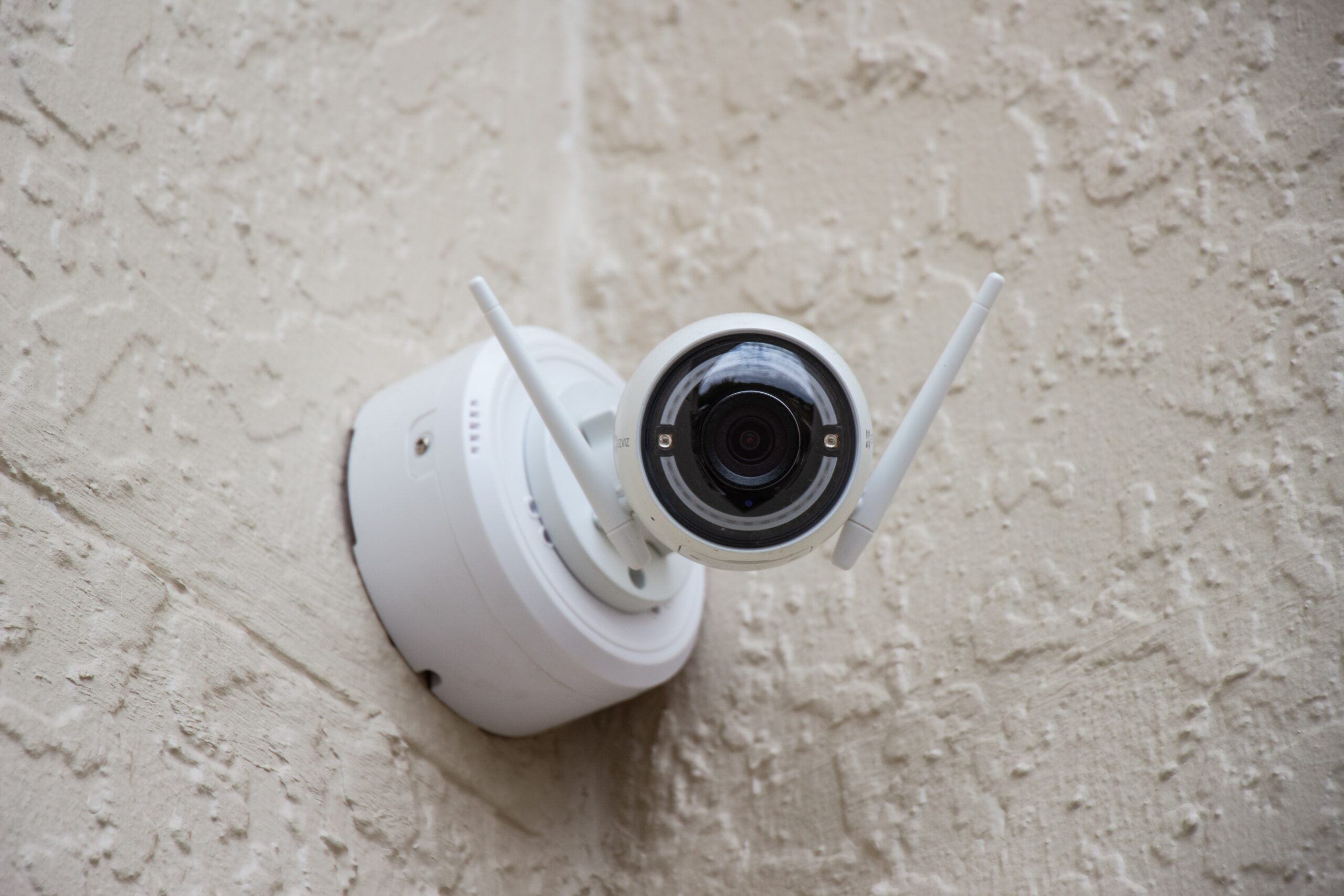
“Should I go wired or wireless?” is one of the first decisions in any CCTV project. The answer is rarely one or the other for the whole property. Wired systems are the backbone of most reliable installations, while wireless cameras solve specific problems where cabling is difficult or not allowed. This guide explains what each option really means, how they compare and which suits your situation.
What “Wired” CCTV Means
In a wired system, every camera has a cable running back to the recorder. There are two main types:
- HD analog (coaxial) systems: Cameras connect to a DVR with coaxial cable, plus a separate power cable or a combined cable. Cost-effective and common in homes and small shops, especially when upgrading older systems.
- IP (network) systems: Cameras connect to an NVR or network switch with a network cable. With PoE (Power over Ethernet), one cable carries both power and video, which simplifies installation.
What “Wireless” CCTV Means
“Wireless” is used for several different things, so it helps to be specific:
- Wi-Fi cameras: Send video over your Wi-Fi network, but still need a power cable to a nearby socket.
- Battery cameras: Truly cable-free, but need regular charging and usually record only when motion is detected.
- 4G SIM cameras: Use mobile data instead of Wi-Fi, useful where there is no broadband.
- Wireless NVR kits: Cameras connect by Wi-Fi to a dedicated recorder rather than your home router.
- Wireless bridges: Point-to-point radio links that carry video across a long distance, such as from a gate to a building, where trenching for cable is impractical.
Wired vs Wireless: Detailed Comparison
| Factor | Wired (HD analog or IP) | Wireless (Wi-Fi, battery, 4G) |
|---|---|---|
| Reliability | Very high once installed | Depends on signal strength and interference |
| Video quality | Consistent, supports high resolution | Can drop when the signal is weak or the network is busy |
| Installation | Cabling, conduit and more labour | Quick, minimal drilling |
| Power | PoE or central power supply | Socket near each camera, or batteries |
| Recording during internet outage | Continues on the local recorder | SD card or wireless NVR continues; cloud-only cameras stop |
| Number of cameras | Scales easily to 16, 32 or more | Best for a few cameras |
| Security | Harder to interfere with | Needs strong Wi-Fi and app passwords |
| Moving the camera later | Needs re-cabling | Easy to relocate |
Why Wi-Fi Cameras Struggle in Some Chennai Buildings
Thick concrete walls and floors, metal grills, multiple neighbouring Wi-Fi networks and long distances to the gate all weaken Wi-Fi signals. A camera that works perfectly on the day of installation may disconnect when the router is moved or when the network gets busy in the evening. If you use Wi-Fi cameras, keep the router central, use a mesh or access point for distant cameras, and check signal strength at each camera position before mounting.
Which Should You Choose?
| Situation | Recommended approach |
|---|---|
| Rented flat, no drilling or cabling allowed | One or two Wi-Fi cameras with SD card or cloud recording |
| Independent house with 4 or more cameras | Wired HD analog or IP system |
| Villa or large plot | Wired IP with PoE; wireless bridge for a distant gate or outhouse |
| Shop or showroom | Wired system for reliable recording at the counter and entrance |
| Office or warehouse | Wired IP system on a dedicated network |
| Construction site or farmhouse without broadband | 4G SIM cameras or a 4G router with a small NVR |
| Temporary need, such as monitoring a renovation | Wi-Fi or battery cameras |
Many homes use a hybrid: wired cameras outside for reliability and one Wi-Fi camera indoors for monitoring children or elderly parents. Indoor Wi-Fi cameras with two-way audio are popular for this; see our guide to Wi-Fi and CCTV cameras with mic and speaker.
Installation Tips for Each Type
Wired systems
- Run outdoor cables in conduit and keep junction boxes sealed against rain.
- Use good-quality cable; poor cable is a common cause of picture problems.
- Run a spare cable to likely future camera positions while walls are open.
Wireless systems
- Check Wi-Fi signal at the exact mounting spot before installing.
- Use the 2.4 GHz band if the camera does not support 5 GHz.
- Give each camera a strong, unique password and update firmware.
- For battery cameras, plan a charging routine.
Frequently Asked Questions
Are wireless CCTV cameras really wireless?
Most are not completely wireless. Wi-Fi cameras send video wirelessly but still need a power cable. Only battery-powered cameras are fully cable-free.
Do wireless cameras work without internet?
Many Wi-Fi cameras keep recording to an SD card without internet, but you cannot view them remotely. Cloud-only cameras stop recording when the internet goes down.
Is a wired CCTV system more secure?
Wired systems are harder to interfere with and do not depend on Wi-Fi security. Both types still need strong passwords and updated firmware on the recorder and app.
Can I add wireless cameras to a wired system?
Sometimes. Many NVRs can add compatible IP Wi-Fi cameras through the network. DVRs for HD analog cameras usually cannot, unless they are hybrid models.
Related Guides
- How to choose the best CCTV camera for your home in Chennai
- How to access CCTV footage on your mobile phone
- Dome vs bullet CCTV cameras
- Are wireless security cameras the future of surveillance in Chennai?
Get Advice for Your Property
E-Sync Security Solutions installs wired, wireless and hybrid CCTV systems. We check your property, cable routes and Wi-Fi coverage before recommending an approach. Learn more about our CCTV installation in Chennai, or call or WhatsApp +91 8682826272, message us on WhatsApp or use our contact page.