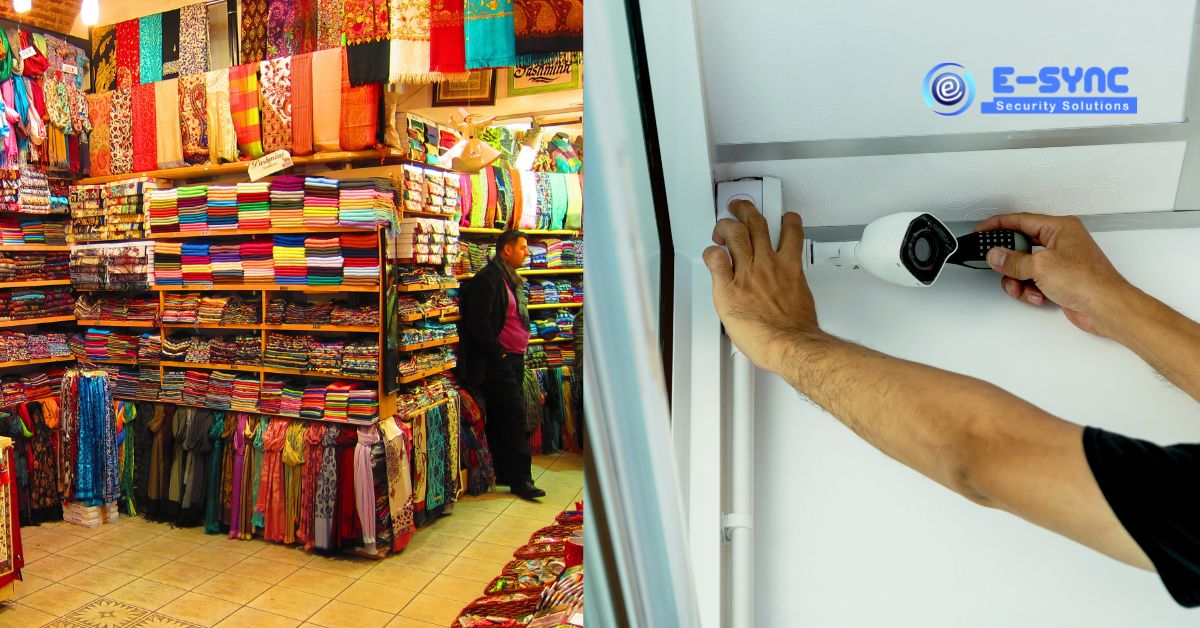
In a retail shop or showroom, CCTV does more than catch thieves. It settles billing disputes, shows how staff handle cash, records deliveries at the back door and lets the owner check the shop from home after closing. During busy periods such as the festival season, when stores are crowded and extra staff are on the floor, a well-planned system is especially useful.
This guide covers where to place cameras in a shop, which camera features matter for retail, and how to set the system up so the footage is actually useful when you need it.
What Retail CCTV Needs to Achieve
- Identify people entering and leaving the shop.
- Record every transaction at the billing counter clearly.
- Cover the sales floor and high-value displays without blind spots.
- Watch stock movement at the stockroom, back door and delivery area.
- Protect the shop after hours, including the shutter, frontage and any parking.
Where to Place CCTV Cameras in a Shop or Showroom
1. Entrance and exit
Place a camera facing the entrance from inside, at a height where it captures faces as customers walk in, not the tops of their heads. Doorways with bright sunlight behind them need a camera with good WDR (wide dynamic range) so faces are not dark silhouettes.
2. Billing counter
Mount a camera above and slightly behind the cashier so it sees the cash drawer, the counter surface and the customer’s hands. A second camera facing the customer is useful for disputes. Cameras with a built-in microphone record conversations at the counter, which helps resolve billing arguments; see our guide to CCTV cameras with mic and speaker. Check local rules and display signage when recording audio.
3. Aisles and sales floor
Wide-angle dome cameras on the ceiling cover the floor discreetly. Walk the shop and note corners hidden by tall racks, mannequins or pillars; these blind spots are where shoplifting usually happens.
4. High-value displays
Jewellery counters, mobile phone and electronics displays and cosmetics shelves need a dedicated camera with enough resolution to see hands and products clearly. For jewellery shops, consider two angles on each counter.
5. Stockroom, back door and delivery area
Much retail loss happens away from the customer area. A camera on the back door and in the stockroom records who brings stock in and takes it out, and when.
6. Shop front, shutter and parking
An outdoor bullet camera covering the shutter and frontage records attempts to break in after hours and incidents involving customer vehicles.
Camera Features That Matter for Retail
| Feature | Why it matters in a shop |
|---|---|
| 4MP or higher resolution | Clear faces at the entrance and readable detail at the counter |
| WDR | Handles bright doorways and glass shopfronts |
| Built-in audio | Records counter conversations for disputes |
| Human detection | Accurate after-hours alerts without false alarms |
| Colour night vision | Useful details on the shop front after closing |
| Mobile app access | Owners can check the shop and staff from anywhere |
Recording, Storage and Access
- Recording period: Retail disputes and stock discrepancies are often noticed days or weeks later, so plan storage for a longer retention period than a typical home.
- Recorder location: Keep the DVR or NVR in a locked cabinet or office, not under the billing counter where anyone can switch it off.
- Power backup: Connect the recorder and cameras to a UPS so recording continues during power cuts.
- User access: Give staff view-only access if needed, and keep playback and deletion rights with the owner.
Combine CCTV With Other Retail Security
CCTV records what happens; it does not stop a break-in in progress. Many shops add a burglar alarm system with door and motion sensors that trigger a siren and alert after hours. Larger showrooms may also use access control for stockrooms and staff areas.
Common Mistakes in Shop CCTV
- A single camera trying to cover the entire shop, which shows everything but identifies nothing.
- Cameras pointed at a bright glass front, turning every customer into a silhouette.
- No camera on the back door or stockroom.
- Recording that overwrites itself within a few days.
- The recorder kept in the open where it can be stolen or switched off.
Retail CCTV in Chennai’s Shopping Areas
Shops on busy streets in areas such as T. Nagar, jewellery stores in Perambur and retail outlets along GST Road in Chromepet share the same challenges: heavy footfall, bright frontages and long opening hours. Planning camera positions around the actual shop layout matters more than the number of cameras.
If you are budgeting for a new system, our CCTV installation cost guide explains what goes into a quotation.
Frequently Asked Questions
How many CCTV cameras does a small shop need?
A small shop usually needs at least three: one at the entrance, one on the billing counter and one covering the sales floor. Add cameras for the stockroom, back door and shop front as needed.
Can I watch my shop’s CCTV on my phone?
Yes. Modern DVRs, NVRs and IP cameras support live view and playback on a mobile app when connected to the internet.
Is it legal to record audio in a shop?
Display clear signage that the premises are under audio and video surveillance and use recordings only for security purposes. For specific legal questions, consult a legal advisor.
Which camera is best for a billing counter?
A 4MP dome camera mounted above and behind the cashier, ideally with a built-in microphone, gives a clear view of cash, products and conversations.
Plan CCTV for Your Shop or Showroom
E-Sync Security Solutions has installed security systems for shops, offices and homes since 2008. We can visit your shop, suggest camera positions based on your layout, and give you an itemised quotation for professional CCTV installation in Chennai. Call or WhatsApp +91 8682826272, message us on WhatsApp or visit our contact page.